
make marketing affordable now!


 Creating a new page Creating a new page
Document contents are entered into CKEditor editing area. If you want to blank out the editing area and start anew, you can create a new document. To achieve this, press the New Page toolbar button. 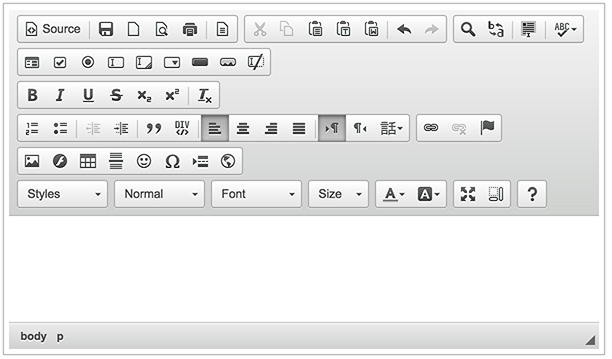
New document created in CKEditor
|
|---|