
make marketing affordable now!


 Textarea Textarea
TextareaA textarea is a form element that lets you enter text into a multiline, scrollable field, and send your input to the server when you are submitting the form. Textareas differ from another form element, the text field, in that they are multiline fields and thus are meant for longer entries. To insert a textarea into a document in CKEditor, place the cursor inside the form element and press the Textarea toolbar button. The Textarea Properties dialog window that will open lets you set the name and size of a textarea. 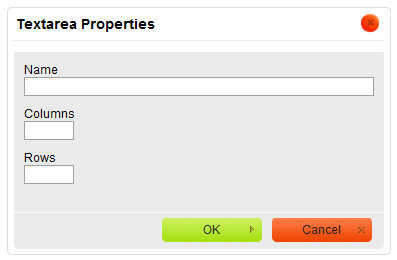
Textarea Properties dialog window in CKEditor
Once you configure the textarea and click the OK button, the textarea will be visible in CKEditor editing area as an empty rectangle. 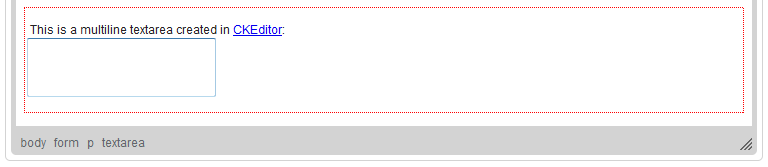
Textarea element added to a form in CKEditor
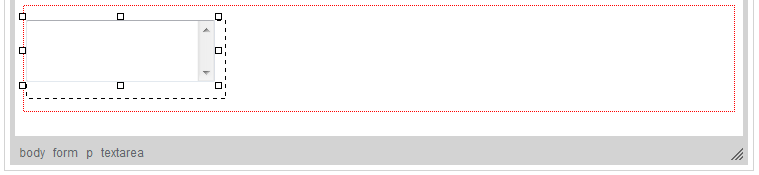
Resizable textarea element with a scrollbar added to a form in CKEditor shown in Internet Explorer
|
|---|