
make marketing affordable now!


 Inserting Special Characters Inserting Special Characters
When you are writing, it is often necessary to insert characters that are not a part of the standard keyboard. This is especially useful during the creation of documents in foreign languages that require various national letters. Another area where special characters are often needed is writing mathematical expressions. To insert a special character into your document, press the Insert Special Character button on the toolbar. The Select Special Character dialog window that will open allows you to choose a symbol from a set containing Latin letters, numbers (including fractions), currency symbols, punctuation, arrows, and mathematical operators. 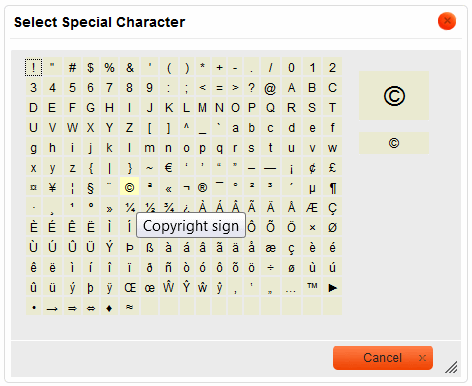
Select Special Character dialog window in CKEditor
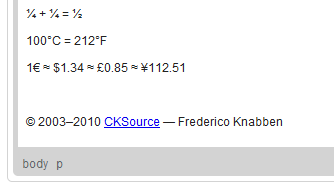
Special characters used in CKEditor
|
|---|