make marketing affordable now!


|
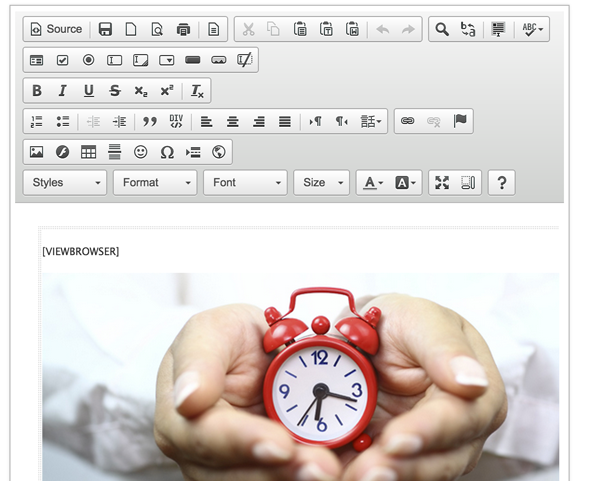
When creating an email campaing simply type [VIEWBROWSER] into the area that you would like the link to appear.
The [VIEWBROSWER] will automatically be replaced by a link that will redirect the subscriber to a page on the internet with the content of the campain.
Editing the link wording To edit the wording that appears in the link in the email simply go to Config > Settings and then in the View in Browser Settings section edit "The text of the link". |
|---|
 View in